

 LinkedIn
Your page cannot earn a ChatGPT citation if the fetcher gets a 403 instead of the page. Yet most technical SEO for AI visibility starts with a speed score, a schema plugin, or a meta description. I used to run that audit too. The citations did not move.
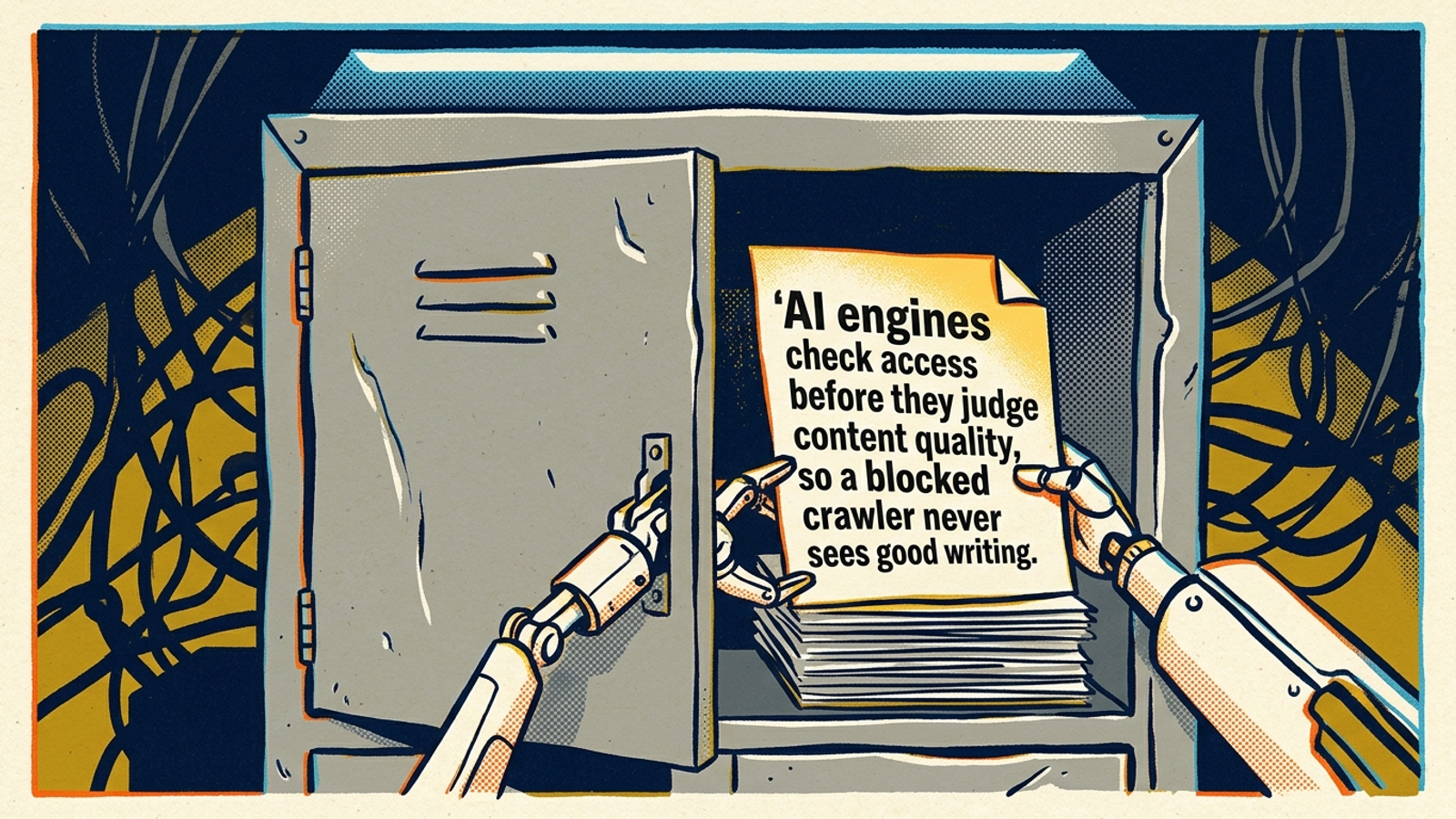
What moved them was duller work further down the stack: a crawler refused by robots.txt, a firewall silently blocking its user-agent, a key paragraph that appeared only after JavaScript ran, or an answer buried too deep to extract. Access gets checked before content quality ever gets judged. In our edge logs, Claude-User fetched robots.txt in 1,227 live-answer sessions over 30 days. Permission was not a theoretical concern.
This guide follows the order I would use on an account. Tier 1 asks whether an engine can read the page. Tier 2 asks whether it can pull out the answer. Tier 3 covers the polish everyone sells first. Work top down. Skip most of Tier 3 until the first two are clean.
Tier 1: Can the engines fetch your pages at all?
Start here because nothing else counts if the fetch fails. AI crawlers do different jobs. OAI-SearchBot, Claude-SearchBot and PerplexityBot fetch pages for answers, while GPTBot, ClaudeBot and Meta-ExternalAgent collect training data. OpenAI separates OAI-SearchBot, which controls ChatGPT search-answer crawling, from GPTBot, which is for training. Blocking a training bot does not directly block that engine’s search fetcher. Blocking the search fetcher can keep your page out of its answers. I used to tell clients to block all AI bots on principle. I was wrong, at least for clients who want citations.
Google has its own version of this confusion. Google-Extended is a consent token, not a crawler, and does not control Search inclusion or ranking. AI Overviews and AI Mode use Googlebot’s index; Google-Extended covers separate training and grounding controls. Google says there are no extra requirements for AI Overviews beyond being indexed and eligible for a snippet. Blocking Google-Extended does not block AI Overviews. Blocking Googlebot can block Google Search as well. Check which control you changed before celebrating a robots.txt edit.
Does robots.txt agree with what your server actually serves?
Open yourdomain.com/robots.txt and check the effective rules for each bot you care about. If you want to refuse training crawlers but allow live-answer fetchers, make those choices separately. The copy-paste robots rules for GPTBot, ClaudeBot and PerplexityBot show the pattern. Do not assume an allow-all line elsewhere in the file cancels a more specific disallow.
The file may not be the problem anyway. In one 314-site check, 18 of 23 robots.txt AI blocks were Cloudflare-managed content disallows, often alongside an owner’s Yoast allow-all block. Across those sites, 43% refused at least one AI crawler, but only 23 of 314 had the block written in robots.txt. Another 112 refused at the server without a robots.txt rule, mostly through silent user-agent-based 403s.
The split matters. Only 33 of 314 sites blocked a live-answer fetcher such as OAI-SearchBot or Claude-SearchBot. Just two had a written rule; 31 blocked it at the server. A training-bot block may be deliberate. An answer-bot block may be a security preset nobody reviewed.
Check the response, not just the file. Request a key page with curl -A "OAI-SearchBot/1.0" -i https://yourdomain.com/key-page, then repeat with ChatGPT-User, Claude-SearchBot and PerplexityBot. Inspect both the status and the returned page. A 200 that contains the answer is encouraging; a 403, 406 or challenge page points toward the CDN or firewall, whatever robots.txt says. This user-agent test is a diagnostic, not proof that a verified bot gets the same treatment. Check real bot IPs in your logs before calling it solved.
Cloudflare changed new-domain defaults in July 2025 to block AI training crawlers, then split controls into Search, Agent and Training policies in September 2026. If your test finds a server block, inspect those policies before rewriting content. A firewall rule beats a perfect answer every time.
Is the answer in the HTML, or only on your screen?
This is the second silent killer on ecommerce and SaaS sites. You load the page; the content appears; everything looks fine. An AI fetcher requests the raw HTML and gets a shell: a div, a loader, and scripts it may never run. Vercel and MERJ log analysis from December 2024 found that OpenAI, Anthropic and Perplexity crawlers fetched HTML without executing scripts. Practitioner tests likewise found GPTBot, ClaudeBot and PerplexityBot seeing initially served HTML, even when some downloaded JavaScript. Say you spend $20k a month producing content that renders only client-side. For those fetchers, the work may as well be behind a locked door.
A 41-day test of about 2,400 pages found that GPTBot, ClaudeBot and PerplexityBot discovered zero pages linked only through JavaScript; Bingbot found very few. If the crawler cannot see the link, it cannot follow it. If the answer needs a click or scroll handler, it cannot lift the text.
Check a money page in 60 seconds: right-click View Source, not Inspect, and search for its key sentence. Or run curl -s https://yourdomain.com/key-page | grep -i "your key phrase". If the sentence is absent from the served HTML, server-render the answer block and the links that lead to it. The rest of the page can stay interactive.
Before you leave Tier 1, be honest about the result. If a live-answer fetcher gets a 403 or an empty shell, no heading tweak or schema plugin will save the page. Good content is waiting on the other side of a half-shut door.
Tier 2: Can the engine pull out your answer?
Now assume the fetcher gets a 200 and real HTML. The next question is whether it can find a useful answer there. In one direct-fetch test, chatbots could not use product data hidden in eight schema formats when that data was not visible on the page. Put the direct answer in the served HTML, high on the page, in plain sentences: what it costs, who it fits, how long it takes, or what to do next. I aim for 40 to 60 words near the top, then the detail below. If View Source does not contain the sentence, do not expect the fetcher to quote it.
Does the heading name the question the buyer asked?
Most pages I audit answer the right question under the wrong heading. The H2 says Our Process when the buyer asked how much does emergency drain cleaning cost in Austin. A specific heading gives an extractor a clearer boundary around the answer than a branding label does. Rewrite the H2 or H3 as the question from a tracked prompt, then answer it directly underneath.
That is useful even when the page does not rank for the head term. In an Ahrefs March 2026 rerun of 863,000 SERPs, about 38% of cited pages ranked in the top 10 for the same query, down from 76% in July 2025; 31% of citations came from pages beyond position 100. Another breakdown puts 31% of AI Overview citations beyond position 100 and another 31% in positions 11 to 100. Do not read that as a promise that a new H2 will win a citation. Read it as a reason to make the answer unmistakable wherever your page ranks.
Are duplicate URLs splitting one answer across several pages?
The other Tier 2 leak is making three URLs compete to say the same thing: HTTP and HTTPS variants, trailing-slash duplicates, print URLs, staging subdomains, or near-identical service pages for every suburb. A canonical tells Google which version you prefer, but it does not make a thin duplicate more useful to a fetcher that lands there.
Pick one URL for each answer. Redirect unnecessary clones with a 301, set the preferred page’s canonical to itself, and link to that URL internally. One question, one clear heading, one preferred URL, with the answer in View Source. If you need three URLs to say one thing, you have a structure problem, not a schema problem.
Tier 3: Which polish should you skip for now?
Will schema markup earn the citation by itself?
Here is where I part ways with most checklists. Google says no special schema or machine-readable file is needed for AI Overviews or AI Mode. An Ahrefs test comparing 1,885 pages that added schema with 4,000 controls found changes of minus 4.6% in AI Overview citations, plus 2.4% in AI Mode and plus 2.2% in ChatGPT, all indistinguishable from zero.
The mechanism is plain enough: a JSON-LD block that does not appear as page text gives a direct-fetch chatbot no visible sentence to quote. In the eight-format product-data test, chatbots could not use JSON-LD that was absent from the visible page; Gemini did best where it rendered JavaScript live. Keep basic Organization, Article and BreadcrumbList markup for the context it gives Google. Do not expect it to move ChatGPT citations on its own. Schema clarifies; it does not grant access.
Should you chase a perfect speed score?
Fix a page that times out or breaks rendering. A fast, mobile-friendly page is useful to visitors and can be easier to crawl. But the standard checklist that presents crawlability, visible HTML, speed, mobile design, direct answers and schema side by side flattens a crucial distinction. A blocked page that loads in 1.8 seconds is still blocked. An accessible page that loads in 3.5 seconds can still supply an answer.
Skip the fortnight chasing 100 on PageSpeed while your firewall still returns a 403 to PerplexityBot. Fix timeouts and broken rendering. Leave cosmetic score tuning until Tiers 1 and 2 are clean.
How do you know a real bot reached you?
Your log file lies to you by default. Anyone can set a user-agent to GPTBot or ClaudeBot, and scrapers do it to slip past naive allow rules. I have watched a client’s log fill with supposed AI visits from cheap VPS ranges. A user-agent label is a claim, not an identity. Trust it blindly and you can diagnose the wrong problem.
Anthropic publishes machine-readable IP ranges for checking hits that claim to be ClaudeBot, Claude-SearchBot or Claude-User. The same principle applies across engines: verify IPs and reverse DNS before using purported bot visits to diagnose a robots.txt or firewall block. Pull requests for robots.txt and your money pages from the last 30 days. Separate verified live-answer fetchers from training crawlers and spoofed traffic. Then inspect the verified requests’ status codes and the pages they reached.
That gives you a baseline worth acting on. A chart of unverified ‘AI hits’ does not.
Which tool fixes the problem instead of just reporting it?
This is where buying advice goes soft. A 20-tool AEO roundup shows the pattern: many tools track mentions and citations, while fewer close the loop. ZipTie pairs monitoring with missing-page findings, AirOps drafts CMS fixes, and Quattr ships internal-linking and technical fixes. I sort them as I used to sort PPC software: flagging tools tell you a rule is wrong; fixing tools change the rule or page and let you see what changed.
If the problem is Tier 1 access, a citation dashboard will not open the door. Someone still has to change the robots.txt rule, firewall policy or rendering template, then verify the result. That is why groas runs this as done-for-you execution rather than another monitor: the audit starts the work, fixes ship in the same system, and each action is logged with its reason.
What order should you work in?
Work top down, and do not skip verification:
- Establish the baseline. Check the last 30 days of bot traffic by IP. Separate verified live-answer fetches from training crawls and spoofed hits.
- Open access. Check robots.txt for the search fetchers you want to allow, then fix CDN or firewall policies behind silent 403s.
- Serve the answer in HTML. Make money-page answers and their links available without client-side JavaScript. Confirm them in View Source.
- Make the answer easy to lift. Put a direct answer near the top, give it a question-shaped heading, and consolidate duplicates around one preferred URL.
- Polish last. Keep useful basic schema. Skip the speed-score chase until steps 1 through 4 are clean.
If access and extraction are the blockers, fixing them gives citations a chance to move. Polishing a page the engine cannot read does not.
Today, test your top revenue page. Fetch it as OAI-SearchBot and ChatGPT-User, inspect the response, then check View Source for the answer sentence. If either check fails, that is your job for the week. Once the fix ships, do not settle for a mentions chart. Run a holdout test with verified bot fetches: fix half the pages, leave half alone, and compare which group earns citations. That is how groas checks whether the technical work did its job: fixes logged, not just flagged.